
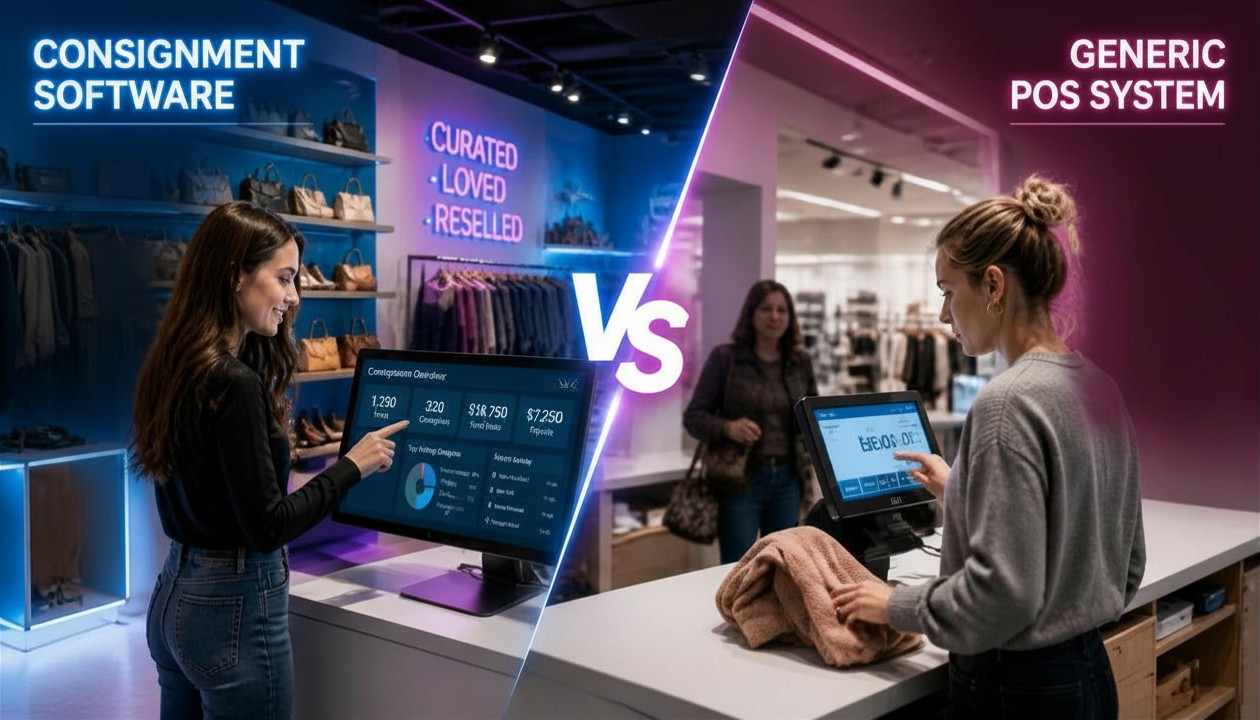
Consignment Software vs. Generic POS: Why the Wrong Choice Costs More Than You Think
A generic POS handles the transaction. Consignment software handles the business. For store owners managing inventory they do not own, the difference between the two is the difference between a system that works and one that constantly requires workarounds.
The core difference between consignment software and a generic POS is that generic POS systems assume the store owns all inventory, they track quantities of products, process payments, and generate sales reports. Consignment software tracks who owns each item, calculates split payments automatically, manages consignor accounts, handles payouts, and links every sale to the correct consignor record. Generic POS can technically be used for consignment, but it requires manual workarounds that become error-prone and unsustainable as inventory and consignor volume grows.
The question comes constantly among new and growing consignment store owners: do I really need dedicated consignment software, or can I use Square, Shopify POS, or another general retail system and adapt it to how I work? The honest answer is that general retail systems work, until they don’t. And for most consignment operations, they stop working right around the time the business starts getting serious.
Why Generic POS Is the Wrong Foundation for Consignment?
Every generic POS system: Square, Shopify POS, Lightspeed, Clover, is built on a single foundational assumption: the store owns its inventory. Products have a cost price paid by the business, a selling price set by the business, and when they sell, the revenue flows entirely to the store. That model works perfectly for a clothing boutique, a hardware store, or a coffee shop.
Consignment is structurally different. The store does not own the inventory. Every item belongs to a specific consignor. When it sells, the revenue must be split, a percentage to the consignor, a percentage to the store, according to a split rate that may vary by consignor, by item category, or by price tier. That split must be calculated automatically, tracked accurately over time, and paid out to the right person. None of that exists in a generic POS system by design.
As ConsignmentPOS’s 2025 guide to choosing the right system puts it directly: generic POS cannot natively link each sale to a consignor or automatically split the sale amount. Workarounds, treating consignors as vendors, manually tracking items in spreadsheets, running separate payout calculations, become error-prone as inventory grows, and dedicated consignment software is recommended as soon as the store reaches any meaningful scale.
The workaround trap. Most consignment stores that start with a generic POS end up building an increasingly complex workaround system, spreadsheets layered on top of the POS, manual payout calculations, separate consignor tracking documents. Each workaround adds administrative overhead, introduces new sources of error, and consumes the staff hours that should be going into intake, customer service, and growth.
6 Specific Ways a Generic POS Breaks Down for Consignment
1. No consignor accounts or records
A generic POS has no concept of a consignor. Items are products. There is no field for “who owns this,” no way to track which items belong to which person, and no system to link a sale to the person who brought the item in. Everything that connects an item to its owner must be maintained externally, typically in a spreadsheet that quickly becomes the most critical and most fragile document in the business.
2. No automatic split calculation
When an item sells in a generic POS, the system records a sale for the full selling price and attributes all revenue to the store. Calculating the consignor’s share, whether it is 40%, 50%, 60%, or a tiered rate based on price, requires a manual calculation outside the system. At 10 sales a day that is manageable. At 50 or 100, it is a daily administrative burden that grows with every transaction and introduces consistent error risk.
3. No consignor portal or self-service visibility
Consignors want to know what has sold, what is still on the floor, and what their current balance is. In a generic POS, answering those questions requires a staff member to look up the spreadsheet, cross-reference it with the POS sales history, and manually calculate the balance. Multiply that by every consignor call or walk-in inquiry and the hidden labor cost becomes substantial. Purpose-built consignment software gives consignors a self-service portal where they can see their own inventory and balance without store staff involvement.
4. No payout automation
Paying consignors, whether by check, ACH transfer, PayPal, or store credit, requires knowing exactly what each consignor earned in a given period. In a generic POS, generating that information requires exporting sales data, cross-referencing with the external consignor tracking system, calculating split amounts, and then manually creating payout records. In a purpose-built system, payout calculations are generated automatically, and many platforms support bulk electronic payouts that eliminate manual disbursement entirely.
5. No inventory aging or automatic markdown rules
Consignment inventory has a time dimension that generic retail does not. Items that do not sell within a set period need to be flagged for markdown, returned to the consignor, or donated. Generic POS systems have no way to automatically track inventory age by consignor agreement terms or trigger markdown rules based on days on the floor. That means staff must manually monitor aging inventory, a task that consistently falls through the cracks at any real volume.
6. No single-SKU inventory model
Generic POS systems are designed for products that exist in multiple quantities. When a consignment item sells, its quantity should drop to zero and the item should be permanently closed out, not restocked. Managing single-quantity, unique-item inventory in a system built for multi-unit retail requires ongoing manual overrides that create data errors and make accurate reporting nearly impossible at scale.
What Generic POS Actually Costs a Consignment Store
The upfront cost of a generic POS appears lower than purpose-built consignment software. Square’s base plan is free. Shopify POS starts at $39 per month. Those prices are real, but they do not account for the true cost of running a consignment business on a platform that was not built for it.
The real cost is measured in staff hours. Consider a store processing 60 items per week across 30 consignors:
- Manual payout calculations: 45–90 minutes per payout cycle, depending on consignor count and split complexity
- Consignor inquiry handling: 3–5 minutes per call or walk-in when staff must look up balances manually; at 10 inquiries per week, that is nearly an hour of labor
- Spreadsheet maintenance: updating the external consignor tracking system after every sale, intake session, and payout
- Error correction: disputed payouts, mis-assigned items, and inventory discrepancies that stem from the gap between the POS and the manual system
- Reporting: any meaningful business analysis requires exporting POS data, cleaning it, and merging it with the external tracking system
That labor cost, accumulated weekly, almost always exceeds the monthly subscription cost of purpose-built consignment software, often within the first month. The software pays for itself in administrative hours saved before any operational improvement is counted.
According to TechnologyAdvice’s 2026 consignment software review, a purpose-built consignment POS handles the workflows resale shops rely on most, tracking one-of-a-kind items, organizing consignor accounts, automating split calculations, and keeping online and in-store inventory synced, none of which are available natively in standard retail POS systems regardless of which generic platform is chosen.
The math almost always favors purpose-built software. A consignment store spending 5 extra hours per week on manual payout calculations, consignor inquiries, and spreadsheet maintenance is spending the equivalent of a full staff day every week on work that purpose-built software eliminates. At any reasonable hourly labor cost, that exceeds the monthly subscription fee of dedicated consignment software within the first pay period.
When a Generic POS Actually Makes Sense
This is not an argument that generic POS systems are bad. They are excellent tools for the businesses they were designed for. There are also specific situations where starting with a generic POS for a consignment operation is defensible:
- Pre-launch, very early stage: if a store has fewer than 10 consignors and is processing under 20 items per week, the administrative overhead of a generic POS is manageable and the lower cost may make sense while the business finds its footing
- Primarily buy-outright model: stores that mostly purchase inventory outright and only occasionally take consignment items have less need for consignor-specific features
- Evaluating demand before committing: using a generic system for 30–60 days to validate the consignment model before investing in dedicated software is a reasonable approach for brand-new stores.
In every other scenario, established stores, growing consignor rosters, online channels, high intake volume, purpose-built consignment software is the correct tool. The workaround cost of making a generic system fit consignment workflows consistently exceeds the subscription cost of a platform that handles those workflows natively.
The Non-Negotiable Features in Purpose-Built Consignment Software
- Native consignor account management with per-consignor split percentages and history.
- Automatic payout calculation on every sale, with support for tiered and variable split rates.
- Consignor self-service portal so account balance inquiries do not require staff time.
- Single-SKU inventory model built for unique items, not multi-unit retail.
- Real-time sync between in-store POS and online storefront: no manual push or duplicate listing.
- AI-powered item entry for mobile-first, fast intake directly from the floor.
- Inventory aging rules with automated markdown schedules and consignor notifications.
- Electronic payout options (ACH, PayPal, store credit) with bulk disbursement support.
- Full audit trail per consignor for dispute resolution and account transparency.
Aravenda is purpose-built for consignment, including AI-powered item entry that processes items from a mobile photo to a live listing in seconds, with consignor records, split calculations, and Shopify sync handled automatically. It is the opposite of a generic POS workaround. See how Aravenda AI Item Entry reduces processing time to seconds →
A generic POS is a cash register with reporting. Consignment software is a business operating system built around the reality that every item in your store belongs to someone else, and your business runs on the trust that you will track it accurately, price it well, sell it efficiently, and pay the right person the right amount when it sells.
Those are fundamentally different problems, and they require fundamentally different tools. The cost of choosing the wrong one is not the monthly subscription you save, it is the hours spent on workarounds, the errors that erode consignor trust, and the growth ceiling that manual processes impose on a business that could otherwise scale.
See what a consignment platform built for your actual workflows looks like: from AI item entry to automated payouts and real-time online sync. Book a Free Demo with Aravenda.